
If you’ve ever watched friends dive into immersive worlds, compete online, or build their dream setups, you might have wondered how to start your own PC gaming journey. Getting into PC gaming is easier than it looks — you just need the right setup, a few key accessories, and a little know-how. Whether you’re looking to play casually or chase high-performance gaming, here’s how to get started the right way.
Building or Buying Your First Gaming PC
The first big decision is whether to build your own computer or buy a prebuilt system. Building your own PC gives you full control over parts and performance, often at a lower cost, but it requires some research and patience. You’ll need to learn about graphics cards, processors (CPUs), RAM, and storage types like SSDs versus HDDs. It’s a great way to understand your system and make future upgrades easier.
If you’re not quite ready to build, prebuilt gaming PCs are a fantastic starting point. They come optimized out of the box with balanced components, tested power supplies, and warranties that simplify the process. As your skills and interests grow, you can upgrade piece by piece — like adding more memory or swapping in a better graphics card for modern titles.
Peripherals You’ll Need to Get Started
Beyond your PC itself, your peripherals are what truly connect you to your games. The essentials include a monitor, keyboard, mouse, and headset. Each of these plays a major role in how you experience games and how well you perform. A smooth, high-refresh-rate monitor can make fast-paced action feel fluid, while a comfortable headset brings soundscapes to life and makes team communication clear.
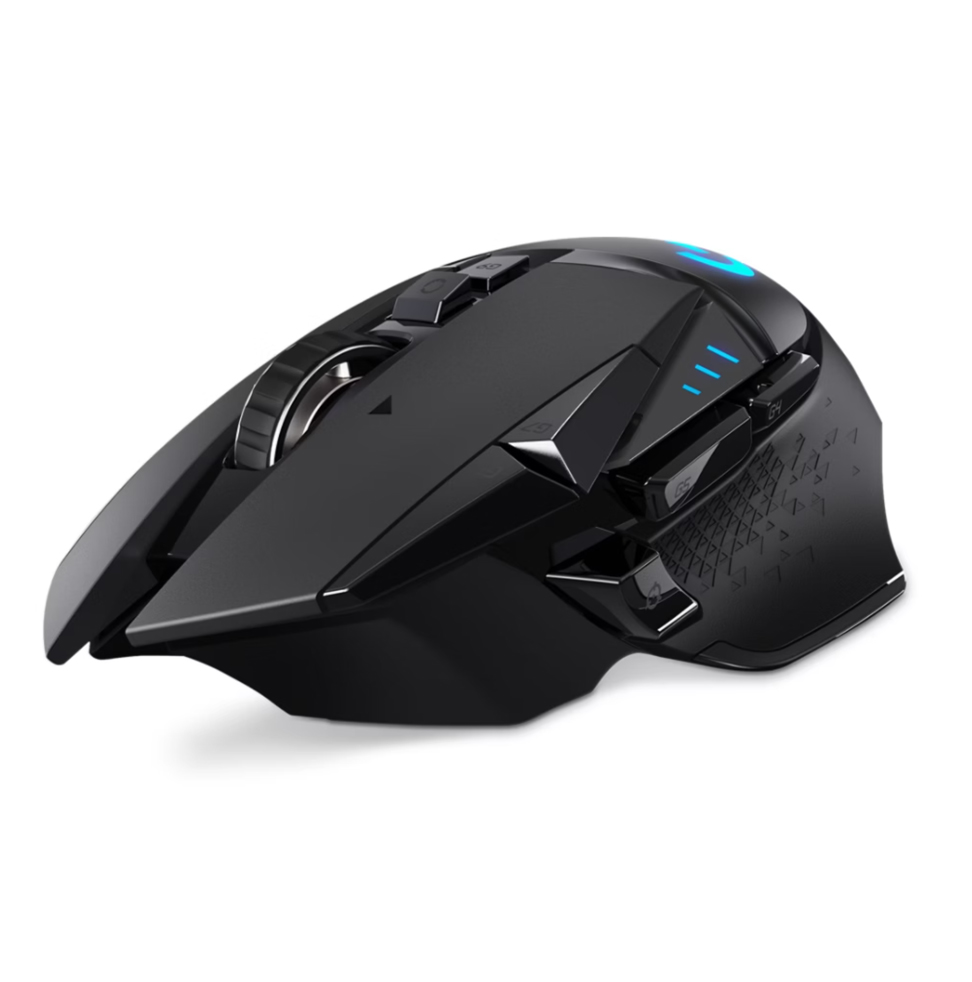
Nexus Z4 Wireless Mouse
$89.99
Features:
• Ergonomic contoured design for all-day comfort
• High-precision optical sensor with adjustable DPI settings
• Reliable 2.4GHz wireless connection and rechargeable battery
Lightweight, responsive, and built for performance, the Nexus Z4 Wireless Mouse delivers precision and comfort in a sleek, modern form that elevates every click.
Affiliate link: I earn a small commission if you purchase with this link, at no extra cost to you.
The mouse is especially important in PC gaming. Precision and comfort are key — look for one that fits your hand naturally and offers responsive tracking. Adjustable sensitivity (DPI) settings help tailor your control to different types of games, from precise aiming in shooters to fluid movement in strategy games. Pair that with a solid mouse pad, and you’ll have the accuracy and consistency every gamer needs.
Setting Up Your Gaming Area
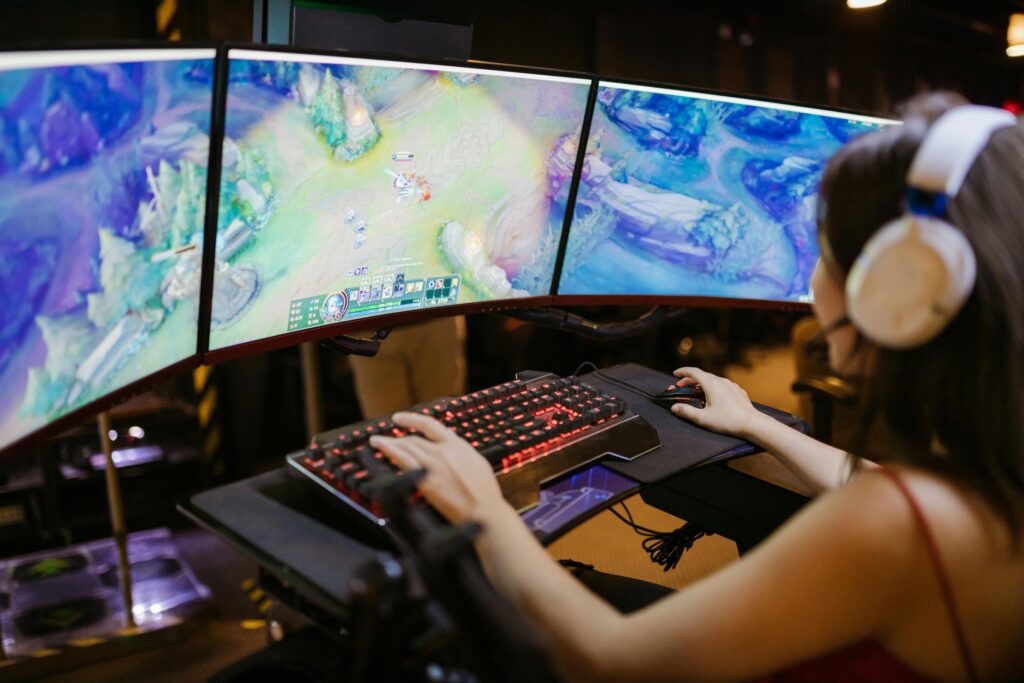
Once you have your system and peripherals, think about your environment. A good setup isn’t just about performance — it’s also about comfort. Make sure your desk and chair support long sessions without strain. Position your monitor at eye level to reduce neck fatigue, and maintain a tidy workspace to keep focus on your gameplay. Good lighting also enhances the atmosphere; soft RGB accents or a simple desk lamp can make your gaming space feel more inviting.
Cable management is another underrated part of a clean setup. Use clips or ties to keep wires organized, especially for your mouse and headset. Not only does this look better, but it also prevents tangling and distractions during intense matches. Over time, you can personalize your setup with extras like an extended mouse mat or ambient lighting panels.
Choosing and Installing Games
With your setup ready, it’s time for the fun part — playing! Start by exploring game platforms like Steam, Epic Games Store, or Xbox Game Pass for PC. Each offers access to thousands of titles, from free-to-play games to premium AAA releases. Begin with genres you enjoy, whether that’s story-driven adventures, fast-paced shooters, or creative sandbox games.
Installing and managing games is straightforward with modern launchers, but make sure to check storage space and performance settings before diving in. Adjusting in-game graphics settings can help balance visual quality and frame rates, ensuring your experience is smooth even on midrange hardware. Over time, you’ll find your favorite titles, preferred playstyle, and maybe even build your own digital library that reflects your gaming identity.
PC gaming is all about freedom — the ability to customize, upgrade, and explore on your own terms. With the right setup and a bit of experimentation, you’ll be well on your way to joining a global community of gamers who play, create, and connect every day.
Leave a Reply